Candy Bomb1.0.7
Publisher Description
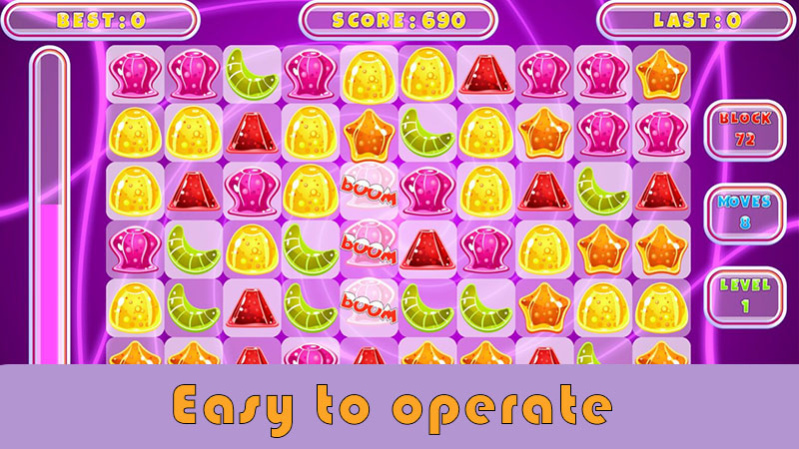
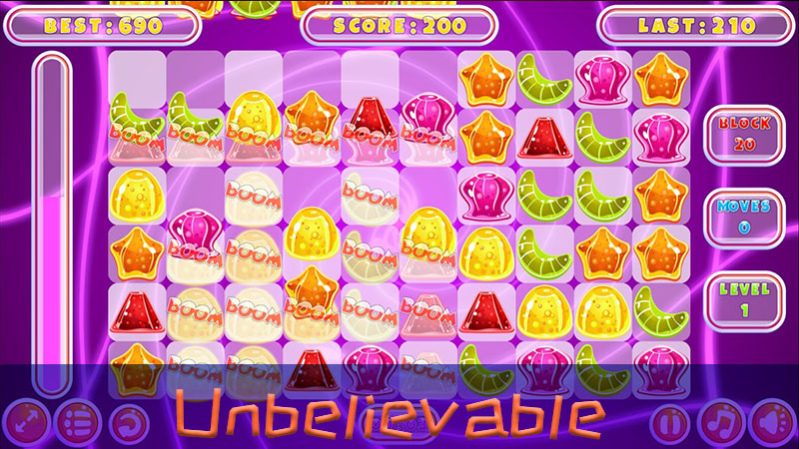
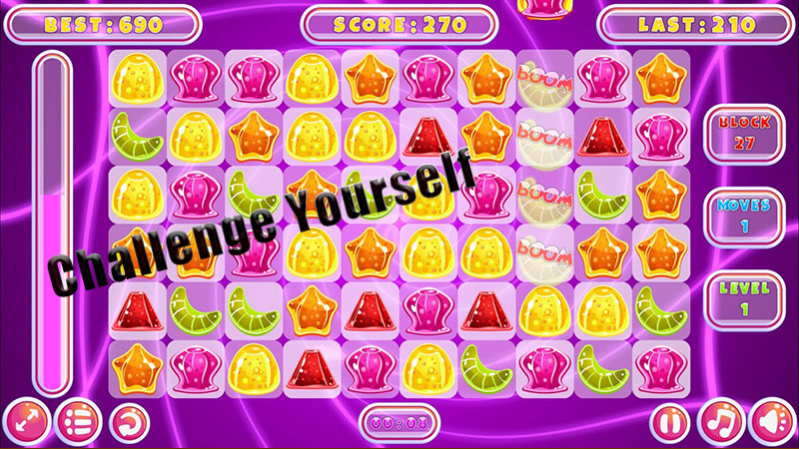

Embark on this jungle jewels adventure, match 3 andswitching your way to the kingdom through addictivematch gameplay. The best match-3 puzzle jewelsgame of its kind! Lots of fun and very challenging,can be played by anyone. It is a fun classic gamebrought to the android world with new pretty jewels.
This sparkling puzzle adventure will instantly sateyour wanderlust and craving for jewels treasure. Youmust quest real treasures using old maps in this kingdom. Uncover the unknown secret and collectvaluable treasures as you play through match funwithchallenging chapters.
How To Play Candy Bomb :
- Use powerful special jewels to gain an edge!Match 3 jewels of the same color to earn points.Obtain special jewels by matching over 4 jewels!Clear your missions within a given number ofmoves!
- Try to get all stars in each level, become jewelslegend.
- Make smart moves to earn bonus points and earn 3stars!
. No time limit and relaxing Match 3 action belie thehigh-level strategy!
Jungle Jewels Features :
Completely free.
- Lots of fun and very challenging match gameMatch 4 jewel gems can win the 1 line effect.Match 5 jewel gems can win the color changingeffect.
- Match 5 more jewels can get more usefully specialprops-jewels effects.
About Candy Bomb
The company that develops Candy Bomb is bthgame. The latest version released by its developer is 1.0.7.
To install Candy Bomb on your Huawei device, just click the green Continue To App button above to start the installation process. The app is listed on our website since 2021-04-29 and was downloaded 1 times. We have already checked if the download link is safe, however for your own protection we recommend that you scan the downloaded app with your antivirus. Your antivirus may detect the Candy Bomb as malware as malware if the download link to C104065793 is broken.
How to install Candy Bomb on your Huawei device:
- Click on the Continue To App button on our website. This will redirect you to Huawei Store.
- Once the Candy Bomb is shown in the Huawei Store listing of your Huawei device, you can start its download and installation. Tap on the Install button located below the search bar and to the right of the app icon.
- A pop-up window with the permissions required by Candy Bomb will be shown. Click on Accept to continue the process.
- Candy Bomb will be downloaded onto your device, displaying a progress. Once the download completes, the installation will start and you'll get a notification after the installation is finished.
